Project 8: The Config Builder (Vanilla Vimrc)
Build a minimal, high-leverage
.vimrcthat makes motions and editing more comfortable without plugins.
Quick Reference
| Attribute | Value |
|---|---|
| Difficulty | Level 2: Intermediate |
| Time Estimate | 1 weekend |
| Main Programming Language | Vimscript (minimal) |
| Alternative Programming Languages | None |
| Coolness Level | Level 3: Personal tooling |
| Business Potential | 3: Workflow optimizer |
| Prerequisites | Basic Vim usage, understanding of Normal mode |
| Key Topics | Options, mappings, leader key, sourcing |
1. Learning Objectives
By completing this project, you will:
- Configure core Vim options that improve navigation.
- Create safe mappings with
noremapvariants. - Define a leader key namespace for custom shortcuts.
- Reload your config without restarting Vim.
- Maintain a minimal config that stays fast and predictable.
2. All Theory Needed (Per-Concept Breakdown)
2.1 Vim Options and Their Effects
Fundamentals
Options are the built-in switches that change Vim behavior. Examples include number, relativenumber, hlsearch, and incsearch. Setting these options in .vimrc tailors the editor to your workflow. For motion practice, options like relativenumber and scrolloff directly improve navigation and context.
Deep Dive into the concept
Options can be global, local to a buffer, or local to a window. Understanding scope prevents confusion. For example, set number is global, while setlocal applies to the current buffer. When configuring Vim, you should focus on options that directly improve motion and editing: relativenumber for counts, hlsearch for visibility, ignorecase and smartcase for search accuracy, and scrolloff to keep context in view.
How this fits on projects
- You will choose a small set of options that improve motion workflows.
- You will document why each option exists.
Definitions & key terms
- Option: A setting that changes Vim behavior.
- Global option: Applies to all buffers and windows.
- Local option: Applies to a specific buffer or window.
Mental model diagram (ASCII)
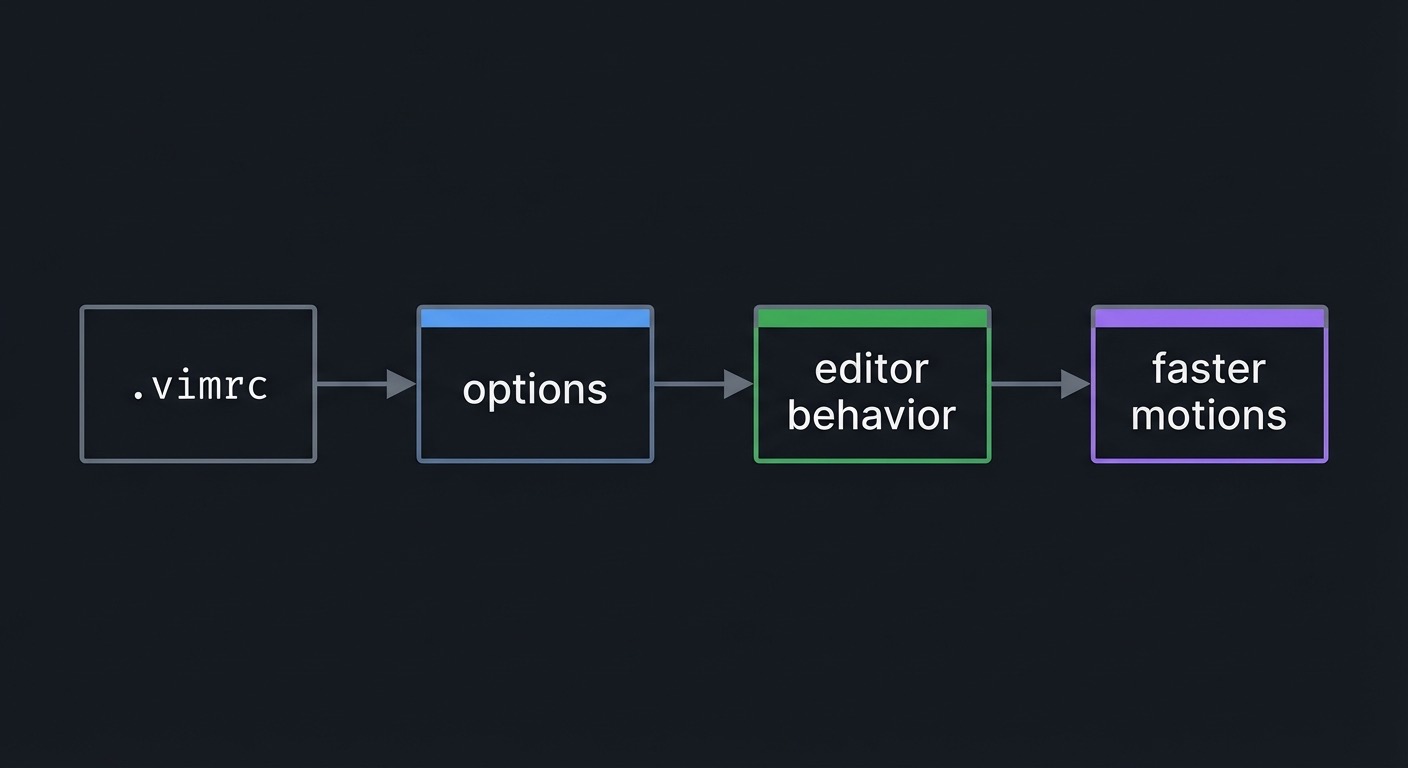
.vimrc -> options -> editor behavior -> faster motions
How it works (step-by-step)
- Identify a friction point (e.g., losing cursor context).
- Find the option that addresses it (e.g.,
scrolloff). - Add
set scrolloff=4to.vimrc. - Reload and test.
Minimal concrete example
set number
set relativenumber
set scrolloff=4
set hlsearch
Common misconceptions
- “More options are better”: Too many settings can cause confusion.
- “Options are permanent”: You can toggle them live.
- “All options are global”: Some are buffer-local.
Check-your-understanding questions
- Why is
relativenumberuseful for motion practice? - What does
scrolloffdo? - How do you set an option for the current buffer only?
Check-your-understanding answers
- It makes counts intuitive by showing relative line numbers.
- It keeps lines of context around the cursor.
- Use
setlocal.
Real-world applications
- Navigating large files with less disorientation.
- Making search results visible.
Where you’ll apply it
- See Section 3.2 Functional Requirements and Section 5.10 Implementation Phases in this project.
- Also used in: Project 1: No-HJKL Navigator.
References
:help options- “Learning the vi and Vim Editors” Appendix
Key insights
A few well-chosen options can change your editing speed dramatically.
Summary
Options are the low-level controls of Vim. Keep them minimal and choose those that improve motion and visibility.
Homework/Exercises to practice the concept
- Toggle
relativenumberand feel the difference. - Change
scrolloffand observe the effect.
Solutions to the homework/exercises
:set rnuand:set nornu.:set scrolloff=0then:set scrolloff=4.
2.2 Safe Mappings and the Leader Key
Fundamentals
Mappings create shortcuts. noremap variants prevent recursive mapping errors. The leader key (mapleader) is your personal namespace for custom commands. A safe mapping uses nnoremap, inoremap, or vnoremap depending on mode. This prevents accidental remapping of core motions.
Deep Dive into the concept
Mapping safety matters because recursive mappings can create infinite loops or break default commands. noremap ensures that the right-hand side of the mapping is not remapped again. The leader key provides a consistent prefix so your custom mappings do not collide with built-ins. For motion practice, useful mappings include leader+w for save and leader+h for clearing search highlight.
How this fits on projects
- You will define a leader key and at least two mappings.
- You will verify mappings do not override core motions.
Definitions & key terms
- Mapping: A custom key binding.
- Leader key: A prefix for user-defined mappings.
noremap: Non-recursive mapping to prevent loops.
Mental model diagram (ASCII)
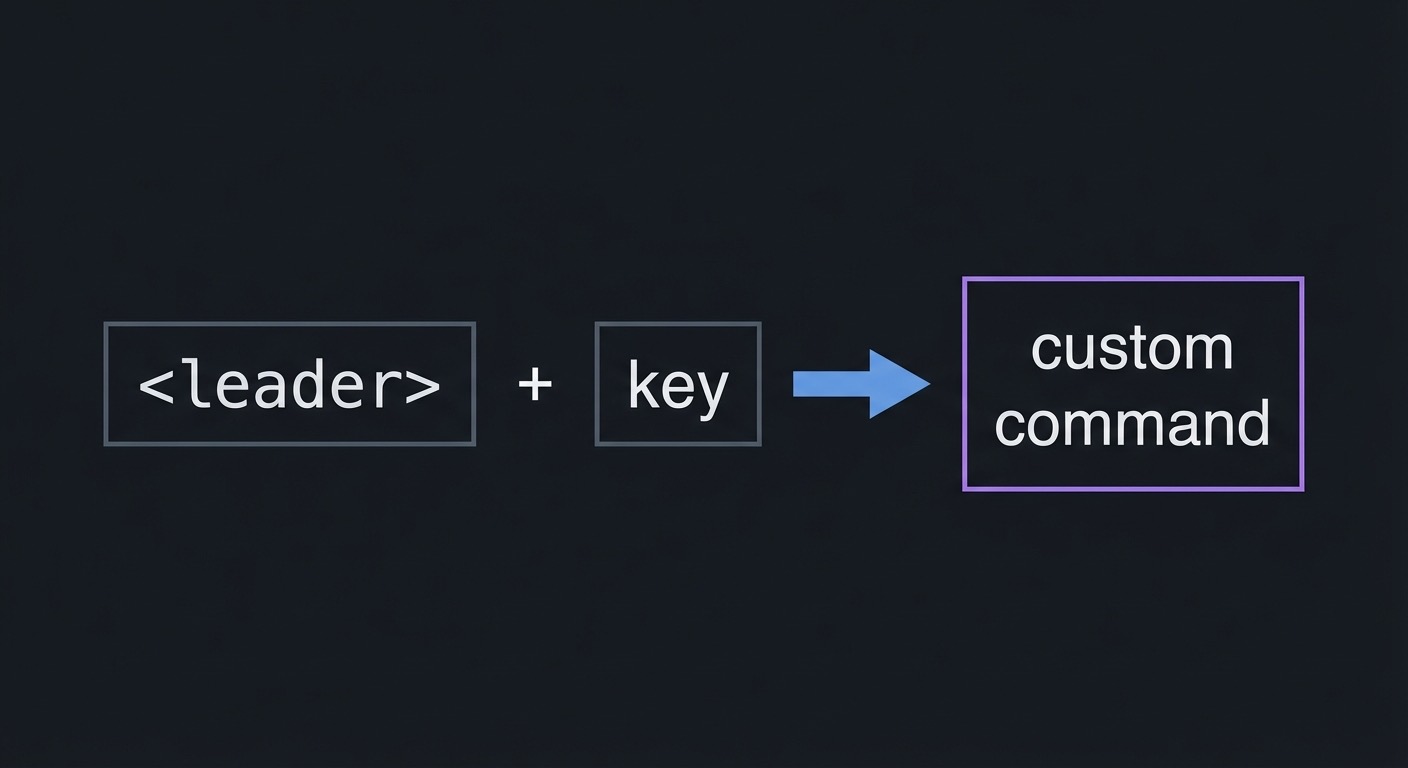
<leader> + key -> custom command
How it works (step-by-step)
- Set leader:
let mapleader = " ". - Define mappings:
nnoremap <leader>w :write<CR>. - Test mapping in Normal mode.
- Use
:mapto inspect if needed.
Minimal concrete example
let mapleader = " "
nnoremap <leader>w :write<CR>
nnoremap <leader>h :nohlsearch<CR>
Common misconceptions
- “map is fine for everything”: It can create recursive issues.
- “Leader must be comma”: It can be any key.
- “Mappings should replace defaults”: Usually not; keep defaults.
Check-your-understanding questions
- Why use
nnoremapinstead ofnmap? - What does
mapleaderdo? - How do you check current mappings?
Check-your-understanding answers
- It prevents recursive remaps.
- It defines a prefix for custom mappings.
- Use
:mapor:nmap.
Real-world applications
- Faster saving and toggling options.
- Consistent custom workflow across machines.
Where you’ll apply it
- See Section 3.4 Example Usage / Output and Section 5.8 Hints in Layers in this project.
- Also used in: Project 9: Code Navigator.
References
:help mapleader- “Modern Vim” Tips 26-28
Key insights
Safe mappings amplify your workflow without breaking core behavior.
Summary
Leader mappings let you add power safely. Keep them few and consistent.
Homework/Exercises to practice the concept
- Create a mapping for
:writeand test it. - Create a mapping to toggle
relativenumber.
Solutions to the homework/exercises
nnoremap <leader>w :write<CR>.nnoremap <leader>rn :set rnu!<CR>.
2.3 Sourcing, Filetypes, and Minimal Config Design
Fundamentals
.vimrc is sourced at startup, but you can reload it with :source ~/.vimrc or :source % if you are editing it. Filetype detection enables file-specific settings. A minimal config focuses on what you need for motion fluency and avoids excessive customization.
Deep Dive into the concept
Reloading your config without restarting Vim speeds up experimentation. Filetype-specific settings can be placed in after/ftplugin directories, but for this project, keep it simple: a single .vimrc with global settings. The deeper principle is that every option or mapping must justify its existence. If a setting does not directly improve motion, search, or editing flow, it likely does not belong in a minimal config.
How this fits on projects
- You will reload your
.vimrcafter changes. - You will keep the config under 30 lines.
Definitions & key terms
- Sourcing: Loading a Vimscript file.
- Filetype detection: Vim setting that applies per filetype.
- Minimal config: A small set of high-leverage settings.
Mental model diagram (ASCII)
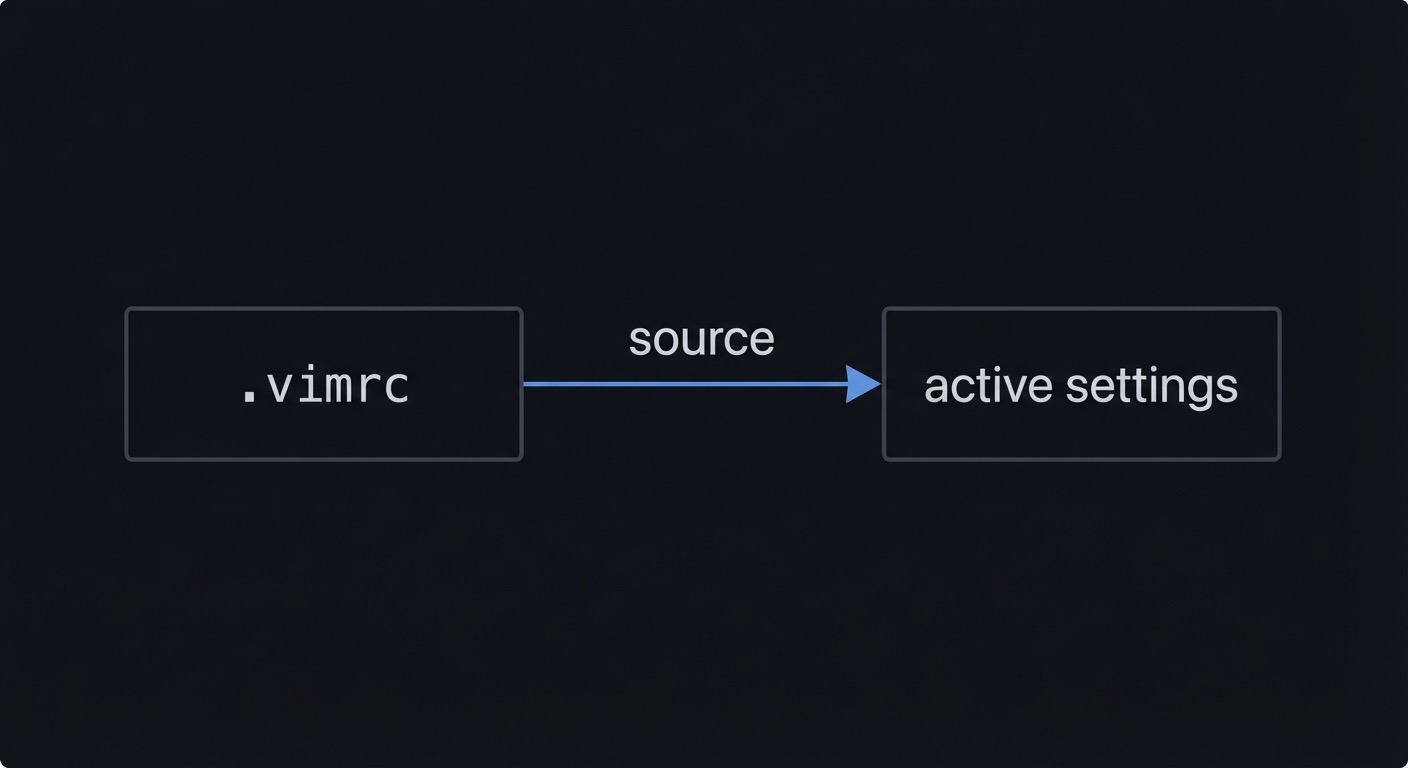
.vimrc -> source -> active settings
How it works (step-by-step)
- Edit
.vimrc. - Run
:source %to reload. - Test the setting.
- Remove anything that does not help.
Minimal concrete example
filetype plugin indent on
set number
set relativenumber
Common misconceptions
- “A bigger vimrc is better”: It often causes friction.
- “You must restart Vim”:
:sourcereloads instantly. - “Filetype settings are advanced”: You can ignore them for a minimal config.
Check-your-understanding questions
- How do you reload the current vimrc file?
- What does
filetype plugin indent ondo? - Why keep the config minimal?
Check-your-understanding answers
- Use
:source %. - It enables filetype detection and related plugins.
- To reduce complexity and keep behavior predictable.
Real-world applications
- Consistent editing behavior across machines.
- Fast customization without plugin overhead.
Where you’ll apply it
- See Section 3.7 Real World Outcome and Section 5.10 Implementation Phases in this project.
- Also used in: Project 4: Markdown Re-Sequencer.
References
:help :source- “Modern Vim” Tips 26-28
Key insights
A minimal vimrc is easier to maintain and easier to trust.
Summary
Sourcing and filetype awareness let you iterate quickly. Keep your config small and intentional.
Homework/Exercises to practice the concept
- Add a setting and reload with
:source %. - Remove one setting and confirm behavior.
Solutions to the homework/exercises
- Add
set scrolloff=4, run:source %. - Comment out the line and re-source.
3. Project Specification
3.1 What You Will Build
You will build a minimal .vimrc with 5-10 settings and at least two custom mappings. The deliverable is the .vimrc file and a short explanation of each setting.
3.2 Functional Requirements
- Options: Set at least five options that improve navigation.
- Mappings: Create at least two
nnoremapmappings. - Leader Key: Define a custom leader key.
- Reload: Demonstrate reloading the config without restarting Vim.
- Documentation: Explain each setting in comments or a README.
3.3 Non-Functional Requirements
- Minimalism: Keep the config under 30 lines.
- Safety: Do not override core motions.
- Consistency: All mappings use
noremapforms.
3.4 Example Usage / Output
set number
set relativenumber
set hlsearch
let mapleader = " "
nnoremap <leader>w :write<CR>
3.5 Data Formats / Schemas / Protocols
.vimrc is plain text Vimscript.
3.6 Edge Cases
- Mapping collisions with built-in keys.
- Options that slow down large files.
- Conflicting settings if you already have a vimrc.
3.7 Real World Outcome
You will have a lean vimrc that makes navigation smoother and reduces friction.
3.7.1 How to Run (Copy/Paste)
vim ~/.vimrc
3.7.2 Golden Path Demo (Deterministic)
- Add
set relativenumberandset scrolloff=4. - Run
:source %. - Confirm relative numbers appear.
3.7.3 Failure Demo (Deterministic)
If you accidentally map j to another command, vertical navigation becomes unusable. This is why mappings should avoid core motions.
3.7.4 If CLI
Not applicable.
3.7.5 If Web App
Not applicable.
3.7.6 If API
Not applicable.
3.7.7 If Library
Not applicable.
3.7.8 If TUI
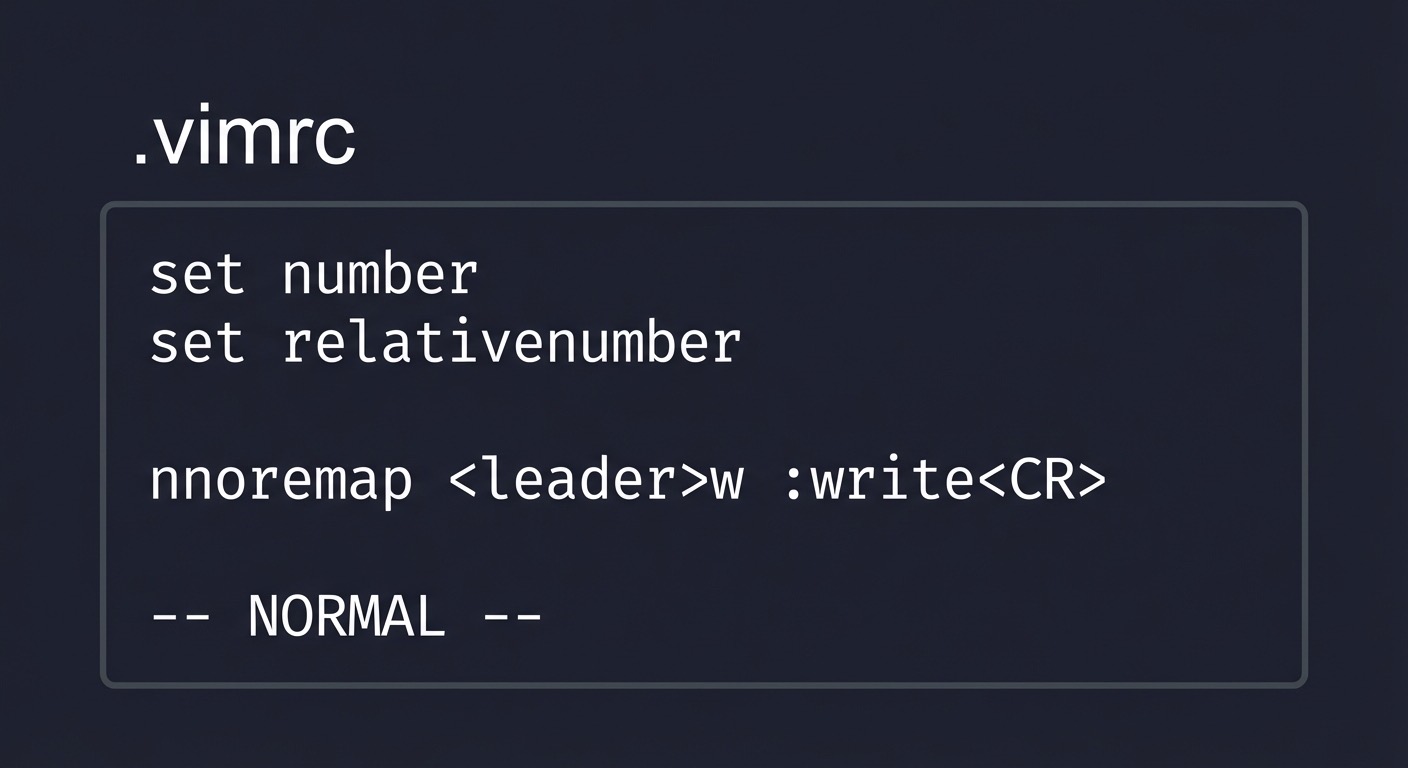
+------------------------------+
| .vimrc                       |
| set number                   |
| set relativenumber           |
| nnoremap <leader>w :write<CR>|
| -- NORMAL --                 |
+------------------------------+
Key interactions:
:source %to reload:setto toggle options
4. Solution Architecture
4.1 High-Level Design
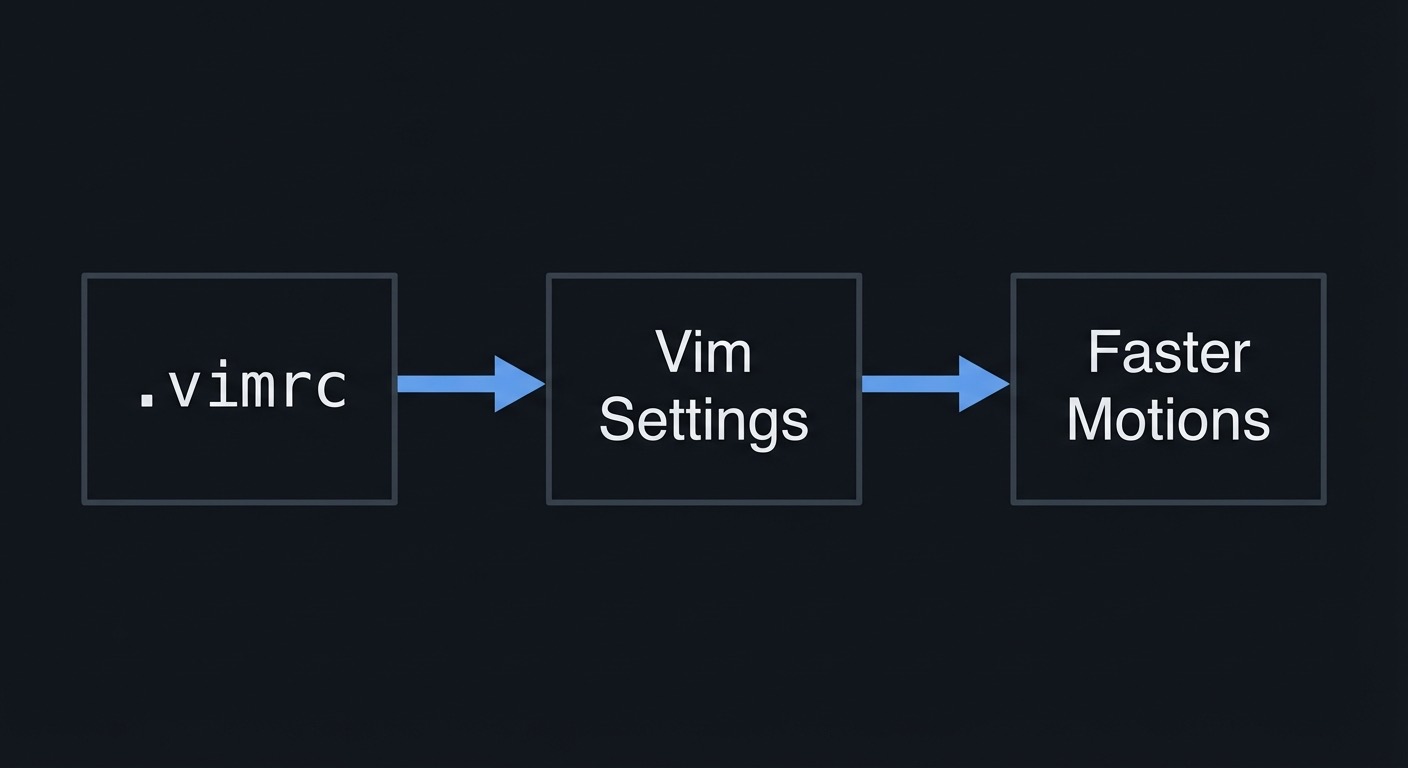
+-----------+    +----------------+    +------------------+
| .vimrc    | -> | Vim Settings   | -> | Faster Motions   |
+-----------+    +----------------+    +------------------+
4.2 Key Components
| Component | Responsibility | Key Decisions |
|---|---|---|
| Options | Improve navigation | Keep to essentials |
| Mappings | Add convenience | Use leader namespace |
| Docs | Explain choices | Short comments |
4.3 Data Structures (No Full Code)
SettingEntry:
- name
- value
- rationale
4.4 Algorithm Overview
Key Algorithm: Minimal Config Selection
- Identify friction points.
- Map each to a setting.
- Keep only the highest leverage settings.
Complexity Analysis:
- Time: O(n) settings
- Space: O(1)
5. Implementation Guide
5.1 Development Environment Setup
vim --version
5.2 Project Structure
vimrc-builder/
|-- vimrc
`-- README.md
5.3 The Core Question You’re Answering
“How do I make Vim feel like my tool without plugins?”
5.4 Concepts You Must Understand First
- Options and their effects
- Safe mappings with
noremap - Sourcing and reloading
5.5 Questions to Guide Your Design
- Which setting removes the most friction?
- Are any mappings overriding core motions?
- Can I explain every line in my vimrc?
5.6 Thinking Exercise
Design a mapping for save (:w) that does not conflict with built-ins.
5.7 The Interview Questions They’ll Ask
- “What is the difference between
mapandnoremap?” - “How do you reload
.vimrcwithout restarting?” - “What is
mapleader?”
5.8 Hints in Layers
Hint 1: Start small Use 5-10 settings only.
Hint 2: Use noremap
Avoid recursive mappings.
Hint 3: Reload fast
Use :source %.
Hint 4: Keep defaults
Do not remap h/j/k/l or w.
5.9 Books That Will Help
| Topic | Book | Chapter |
|---|---|---|
| Configuration | “Modern Vim” | Tips 26-28 |
| Settings | “Learning the vi and Vim Editors” | Appendix |
5.10 Implementation Phases
Phase 1: Baseline Config (2-3 hours)
Goals:
- Add core navigation options.
Tasks:
- Set
number,relativenumber,hlsearch,incsearch. - Add
scrolloff=4.
Checkpoint: Vim feels easier to navigate.
Phase 2: Mappings (2-3 hours)
Goals:
- Add at least two mappings.
Tasks:
- Set
mapleader. - Add
leader+wto save andleader+hto clear search.
Checkpoint: Mappings work and do not override defaults.
Phase 3: Documentation (1-2 hours)
Goals:
- Explain every line.
Tasks:
- Add comments to
.vimrc. - Write a short README describing choices.
Checkpoint: Another person can understand the config.
5.11 Key Implementation Decisions
| Decision | Options | Recommendation | Rationale |
|---|---|---|---|
| Line count | 10 / 30 / 100 | Under 30 | Maintainability |
| Leader key | Space / comma / backslash | Space | Ergonomics |
| Mappings | Many / few | Few | Reduce conflicts |
6. Testing Strategy
6.1 Test Categories
| Category | Purpose | Examples |
|---|---|---|
| Option effects | Verify settings | :set number? |
| Mapping validity | Ensure mappings work | Press <leader>w |
| Performance | Ensure no slowdown | Open large file |
6.2 Critical Test Cases
- Reload
.vimrcand check settings apply. - Trigger mappings in Normal mode.
- Ensure core motions still work.
6.3 Test Data
Open a 500-line file and verify navigation.
7. Common Pitfalls & Debugging
7.1 Frequent Mistakes
| Pitfall | Symptom | Solution |
|---|---|---|
| Recursive mapping | Commands loop or break | Use noremap |
| Too many settings | Vim feels slow/confusing | Remove low-value options |
| Mapping collisions | Keys behave oddly | Use leader namespace |
7.2 Debugging Strategies
- Use
:verbose map <key>to see mapping sources. - Comment out half of the config and re-test.
7.3 Performance Traps
- Enabling heavy features that slow large files.
- Overriding defaults that break muscle memory.
8. Extensions & Challenges
8.1 Beginner Extensions
- Add a mapping to toggle line numbers.
- Add a mapping for
:nohlsearch.
8.2 Intermediate Extensions
- Add filetype-specific settings in
after/ftplugin. - Create a mapping for quick splits.
8.3 Advanced Extensions
- Build a minimal
.vimrcfor server use. - Create a portable config synced across machines.
9. Real-World Connections
9.1 Industry Applications
- Fast Vim setup on new machines or servers.
- Consistent editing environment for teams.
9.2 Related Open Source Projects
vimrcexamples from experienced developers.- Neovim configs that start minimal.
9.3 Interview Relevance
- Demonstrates awareness of tooling and productivity.
10. Resources
10.1 Essential Reading
- “Modern Vim” Tips 26-28
- “Learning the vi and Vim Editors” Appendix
10.2 Video Resources
- Vimrc essentials tutorials
10.3 Tools & Documentation
:help options:help map
10.4 Related Projects in This Series
11. Self-Assessment Checklist
11.1 Understanding
- I can explain what each option does.
- I can define a safe mapping.
- I can reload
.vimrcwithout restarting.
11.2 Implementation
.vimrccontains 5-10 options.- At least two mappings work correctly.
- Config is documented.
11.3 Growth
- I can maintain this config over time.
- I can port it to another machine.
12. Submission / Completion Criteria
Minimum Viable Completion:
- Created a minimal
.vimrcwith 5 options. - Added two
nnoremapmappings. - Reloaded the config successfully.
Full Completion:
- All minimum criteria plus:
- Config is documented line by line.
- No core motions are overridden.
Excellence (Going Above & Beyond):
- Built a portable config and tested on another machine.
- Documented rationale for every setting.